English
 Vietnamese
 French
 German
 Spanish
 Indonesian
 Italian
 Malay
 Thai
 Chinese
Manage Your Account, Wherever You Go
Open a live account, get verified with your camera, fund it and watch your balance — your whole Client Area in one app
Available On


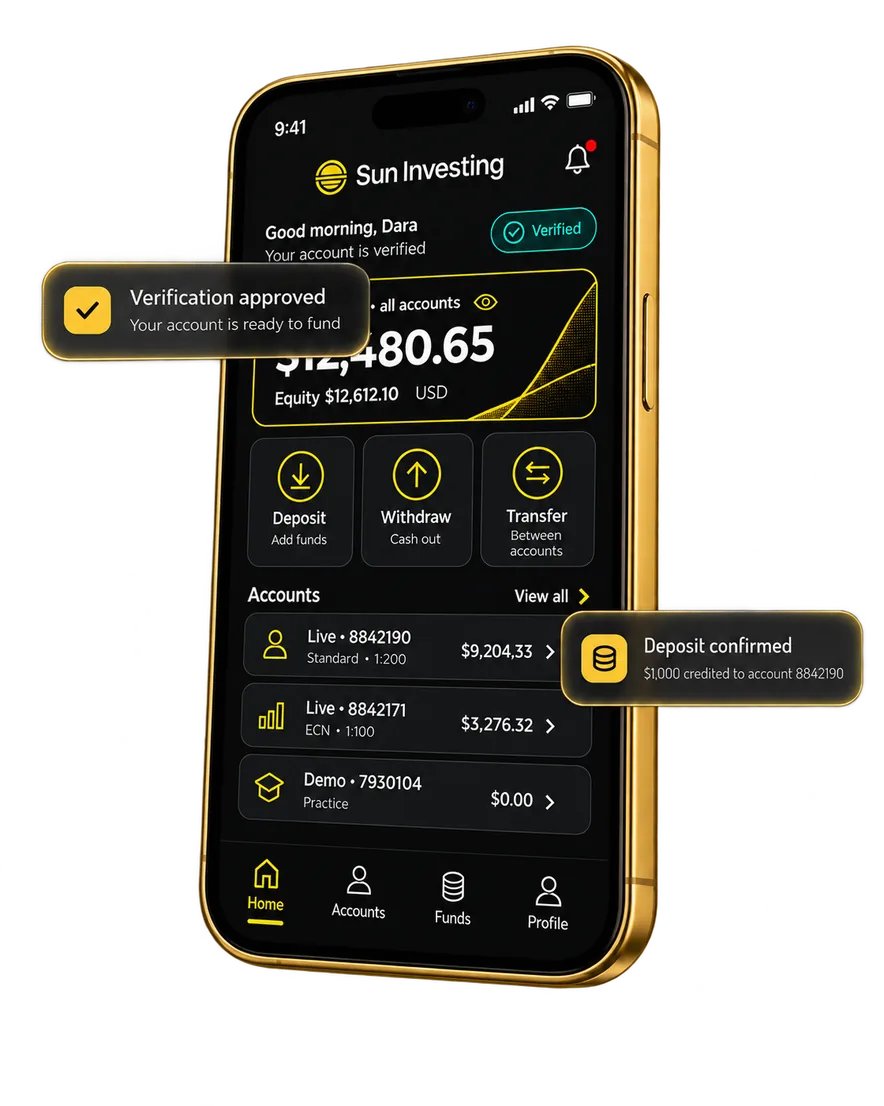
 Register and open a live account without a laptop
 Complete verification with your phone camera
 Deposit, withdraw and transfer between your accounts
 Open the app with Face ID, Touch ID or a PIN
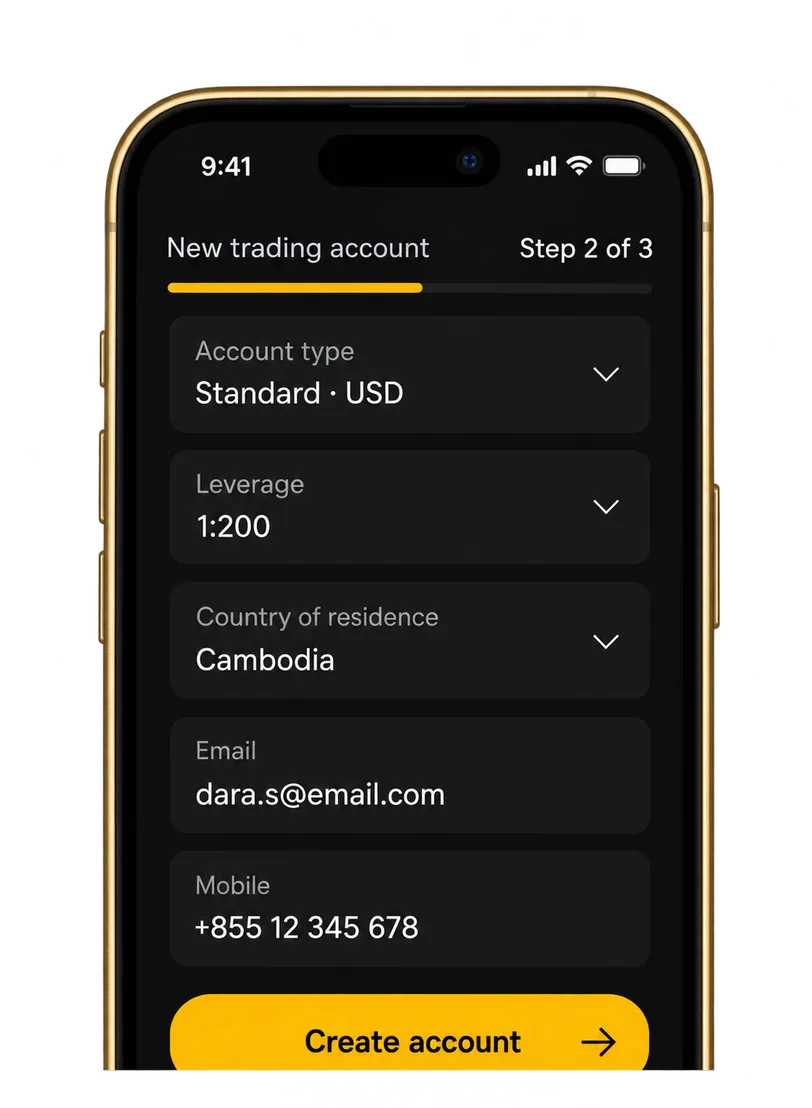
 Open an account from your phone
Registration happens inside the app. Fill in your details, pick the account type that fits, and your credentials are issued to you on the spot.
- Register as a new client or log in with your existing Client Area details
- Choose your account type, base currency and leverage at sign-up
- Add extra live or demo accounts later without contacting support
- The same login works for MT5 and WebTrader when you are ready to trade
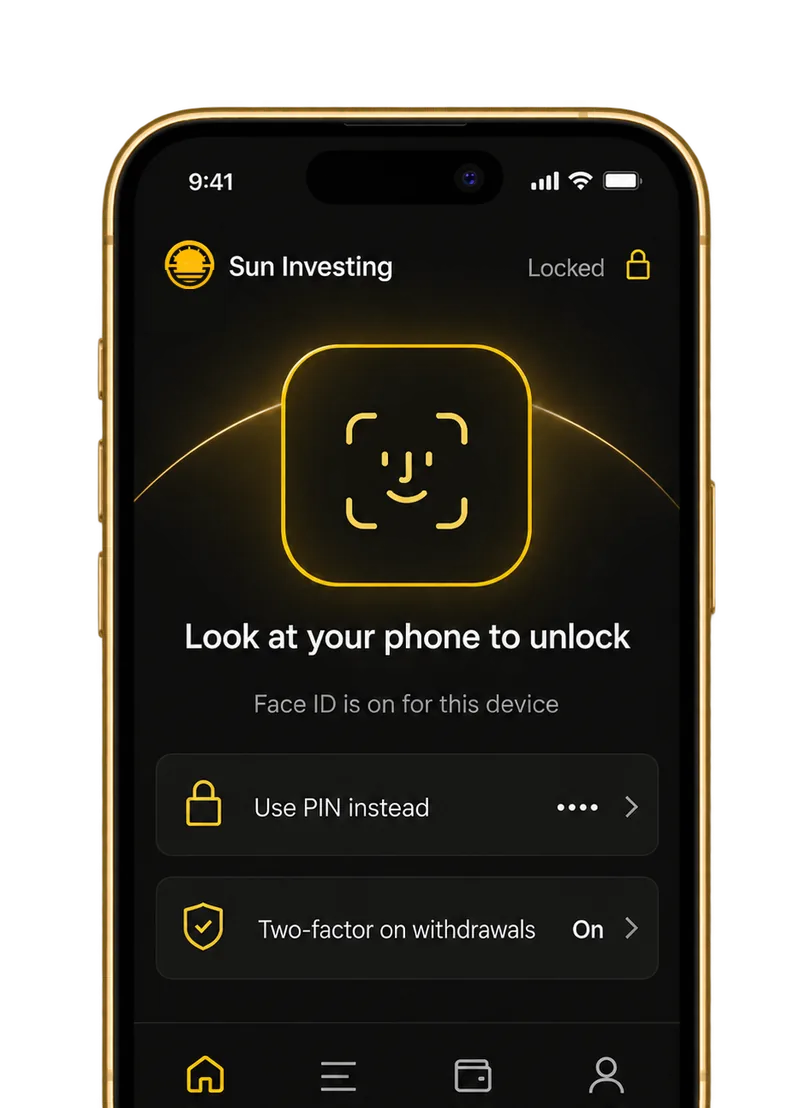
 Face ID, and your account opens
Checking a balance should take a second. Biometric login replaces the password, and two-factor authentication still protects the actions that matter.
- Face ID and Touch ID on iOS, fingerprint on Android
- A six-digit PIN as a fallback on any device
- Two-factor authentication on withdrawals and changes to your details
- Encrypted sessions, with automatic logout when the app is idle
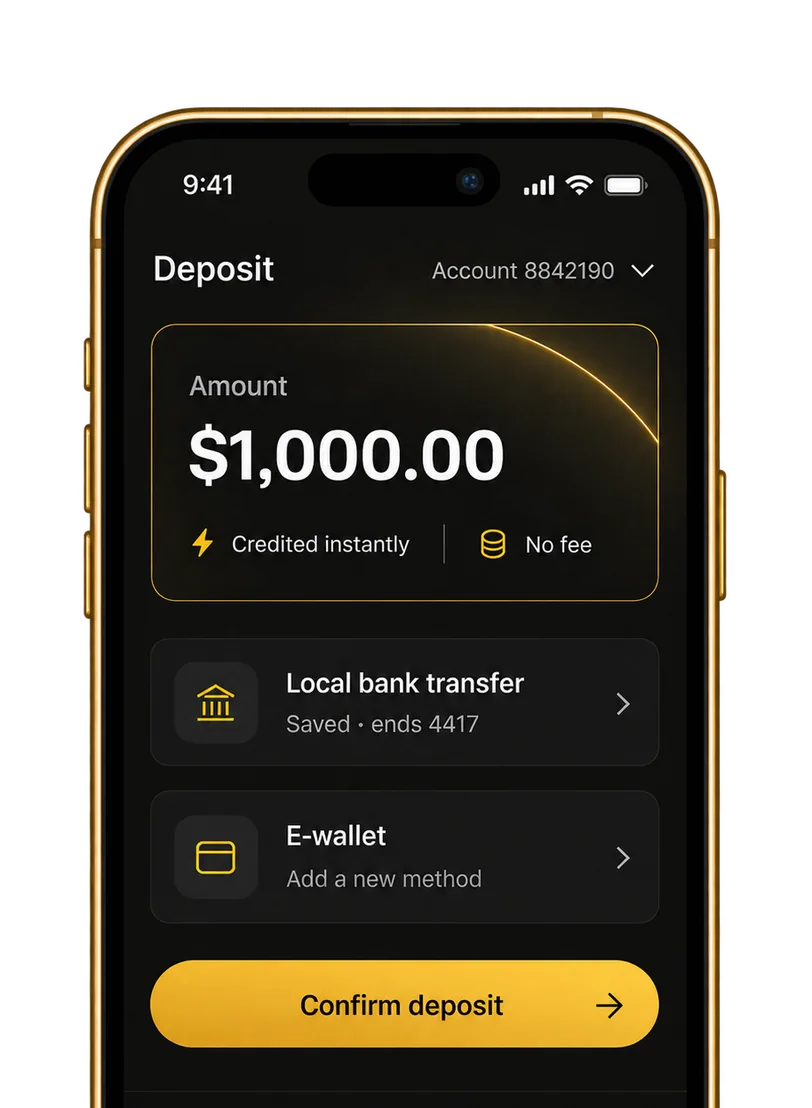
 Fund your account in a few taps
Deposits, withdrawals and internal transfers all sit in the Funds tab, with the payment methods available in your region and your saved details ready to reuse.
- Deposit by local bank transfer, card or e-wallet, depending on your region
- Request a withdrawal to a saved method and follow its status
- Move funds between your own trading accounts instantly
- Every transaction is confirmed by push notification and kept on record
 Track every balance without logging in twice
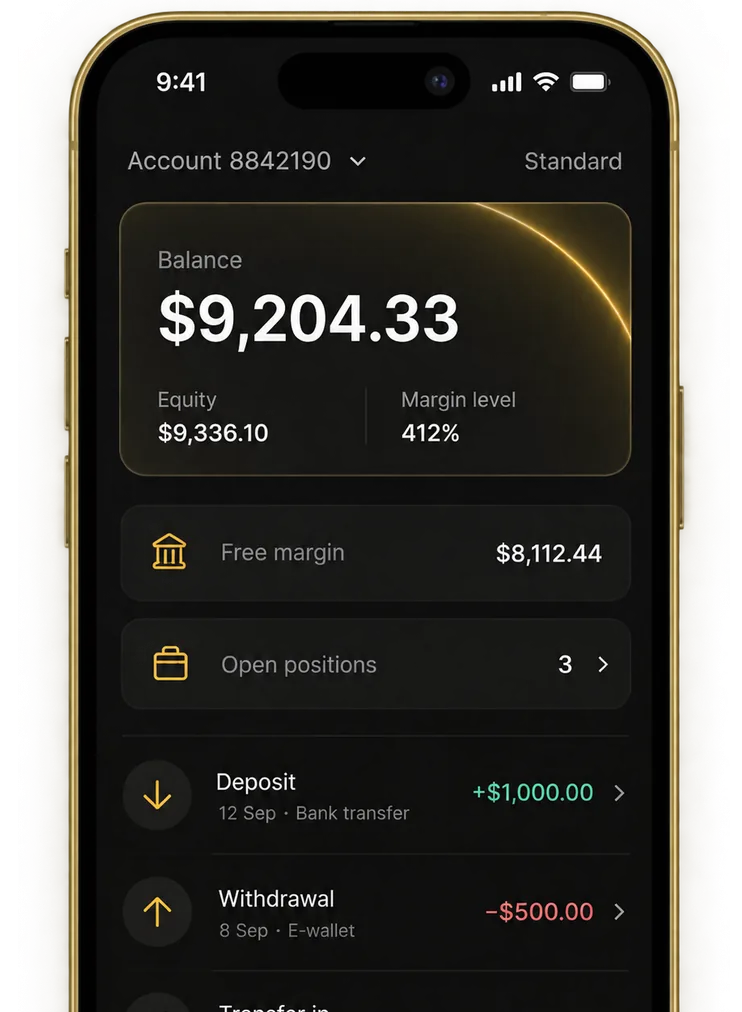
All your accounts on one screen: balance, equity, free margin and the full transaction record, updated as things happen.
- Total balance across accounts, plus a breakdown per account
- Equity, free margin and margin level alongside open positions
- Deposits, withdrawals and transfers filtered by date or account
- Download statements or share them straight from your phone
Also in the App
The smaller things that otherwise mean an email to support.

Profile Details
Update your phone number, email and address, and keep your details current for compliance.

Account Settings
Request a leverage change, switch base currency on a new account, or set a nickname per account.

Support Portal
Message the team from inside the app, with the conversation attached to your account.

Notifications
Approvals, credited deposits, completed withdrawals and support replies in one feed.

Partners get their Client Area too
Introducing brokers and affiliates track the same numbers on mobile that they would otherwise open a laptop for.
Get the App
Referral links and sign-ups
Your links and registration numbers in one place, with new client sign-ups appearing as they land.

Commission reporting
Earnings broken down by client and by period, so you can see what each referral is actually returning

Sub-IB and client activity
Your structure below you, with account status and activity for the clients attached to it.
Commission withdrawals
Move earned commission to a trading account or a saved payment method without leaving the app.
Three steps to a funded account
 Download and register
Install from the App Store or Google Play, then create your account or log in with your Client Area details.
 Verify Your Account
Photograph your ID and proof of address, submit them in the app and track approval.
 Fund and follow your balance
Deposit with your preferred method and watch balance, equity and transactions update.
Frequently Asked Questions
Can I open a live account entirely in the app?
You can register, select an account type and submit your verification documents in the app. Already a client? Sign in with your existing Client Area details.
Which documents do I need for verification?
Follow the verification checklist shown in your account. The documents required can vary by country and account details. Our support team can help if you have questions.
How long does verification take?
Verification time depends on the documents submitted and the review process. You can follow your status in the app and will be informed if further information is needed.
How do deposits and withdrawals work?
Open the Funds tab, choose your account and select an available payment method. Any applicable limits, fees and processing details are shown during the process.
Is Face ID available on my device?
Biometric sign-in depends on your device and operating system. On supported devices you can enable Face ID or fingerprint access in the app settings.
Can I trade from the app as well?
The Sun Investing app brings your account management and funding together. Use MetaTrader 5 or WebTrader for trading, with the same Sun Investing trading account.
Download the Sun Investing App
Get greater control and flexibility for peak performance trading when you’re on the go.